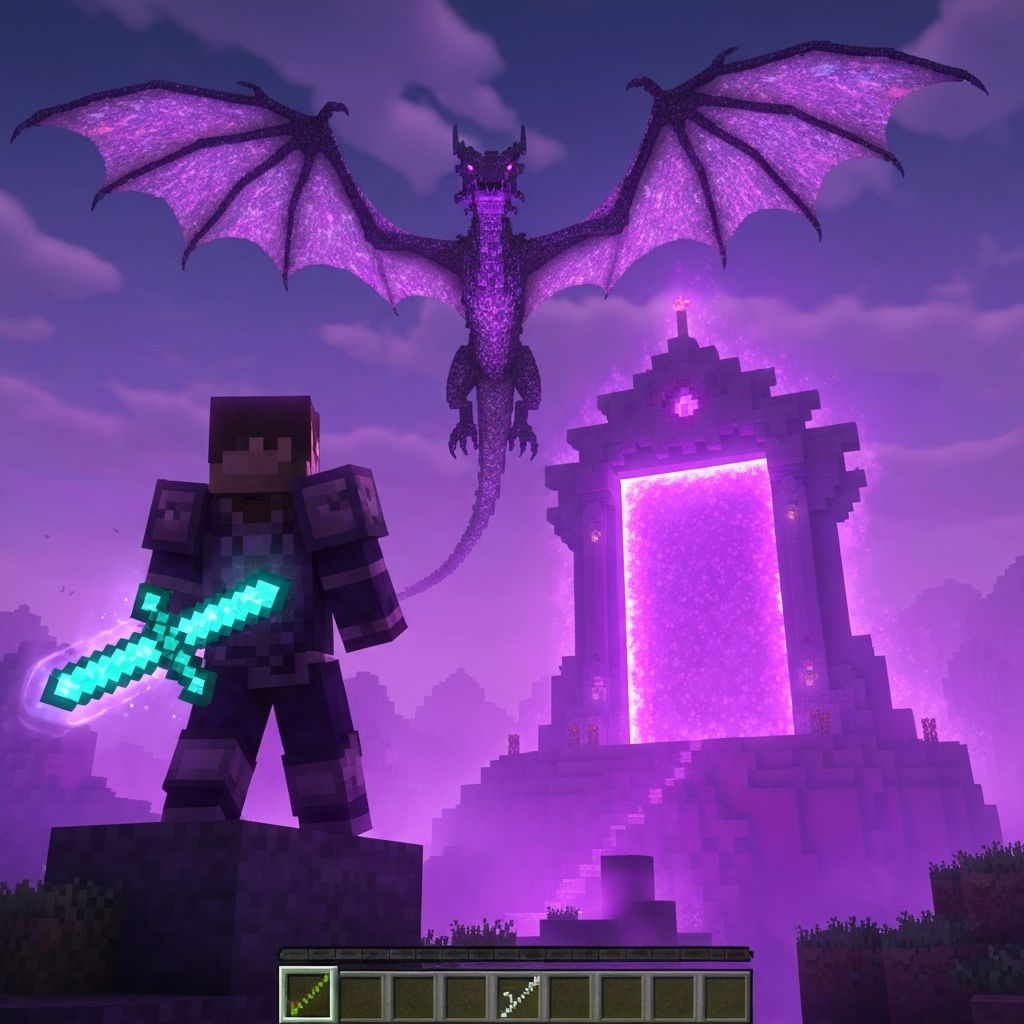
Ender Forge.
Transform Your Game!
Dive into Ender Forge - the ultimate Minecraft mod experience! Discover new dimensions, craft legendary items, and unlock powers beyond imagination.
Installation Guide
Follow these simple steps to start your adventure in Ender Forge.
Install Minecraft
Make sure you have Minecraft Java Edition installed. The mod requires version 1.21.1.
Download Forge
Download and install Forge Loader for Minecraft 1.21.1. Run the installer and select "Install Client".
Download ForgeDownload the Mod
Download Ender Forge and place the .jar file in the mods folder. Or use the installer for automatic setup.
Launch and Play
Open Minecraft Launcher, select the Forge 1.21.1 profile, and click Play. Join our server and start your adventure!
Need Help?
If you encounter any issues during installation, join our Discord community for assistance. Our team and community members are always happy to help new players get started.
Discover the Features
Explore all the unique features that make Ender Forge the ultimate Minecraft experience.
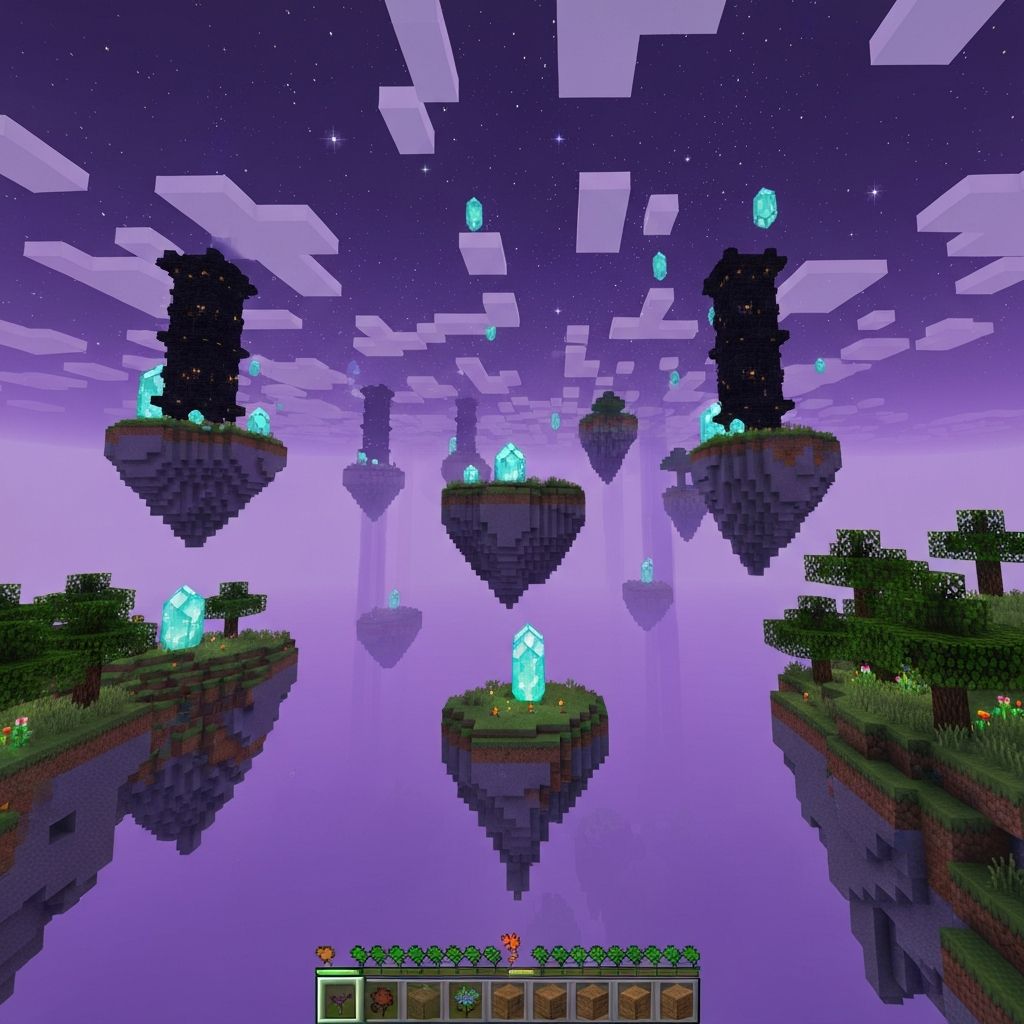
New Dimensions
Explore mysterious new worlds filled with unique creatures and challenges.
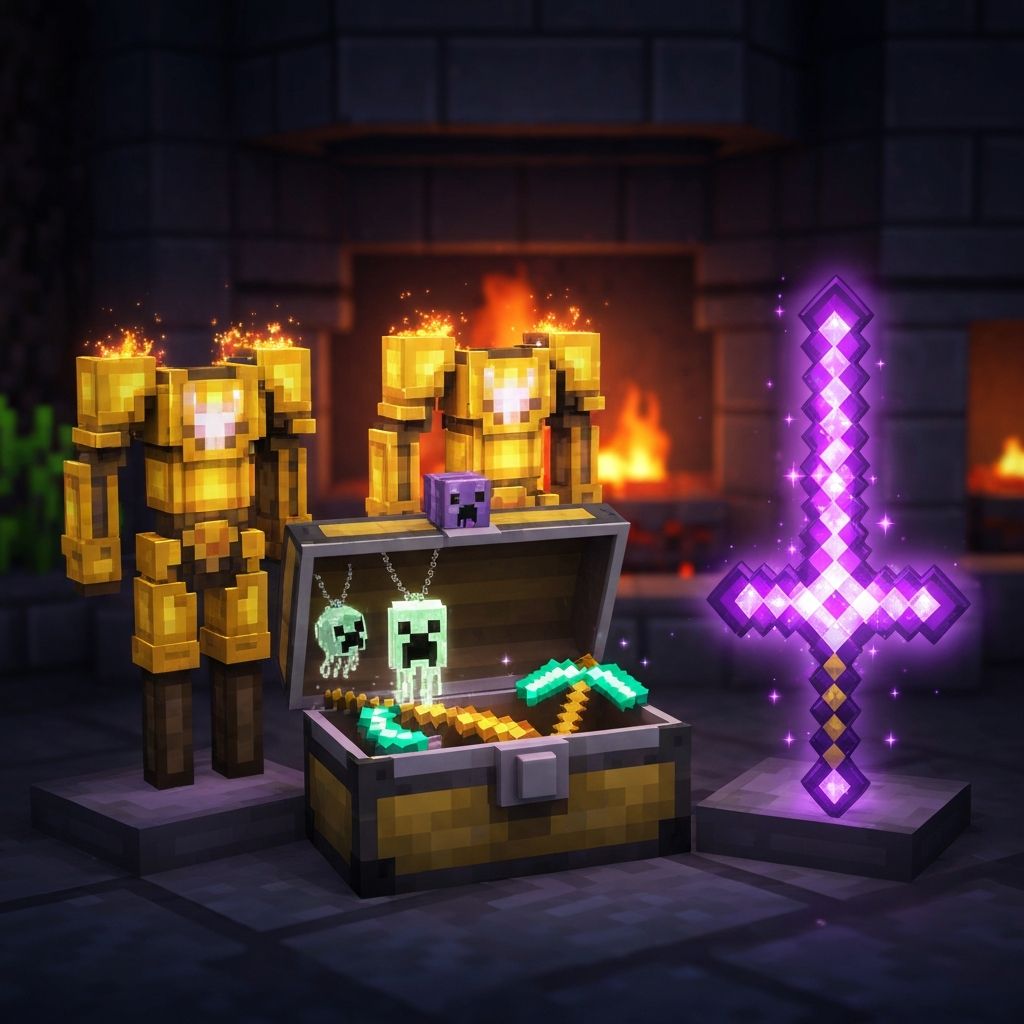
Legendary Artifacts
Craft powerful weapons and armor with extraordinary abilities.
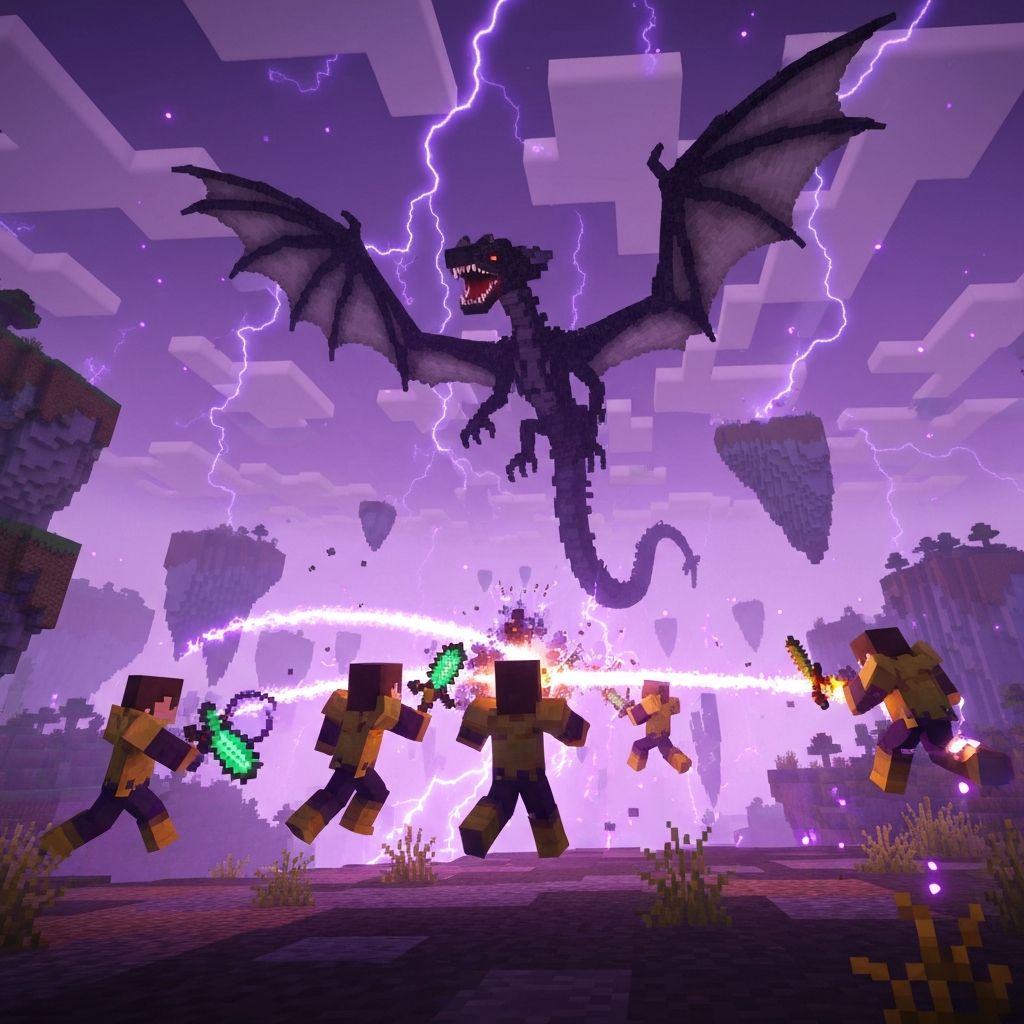
Epic Boss Battles
Face challenging bosses and claim legendary rewards.
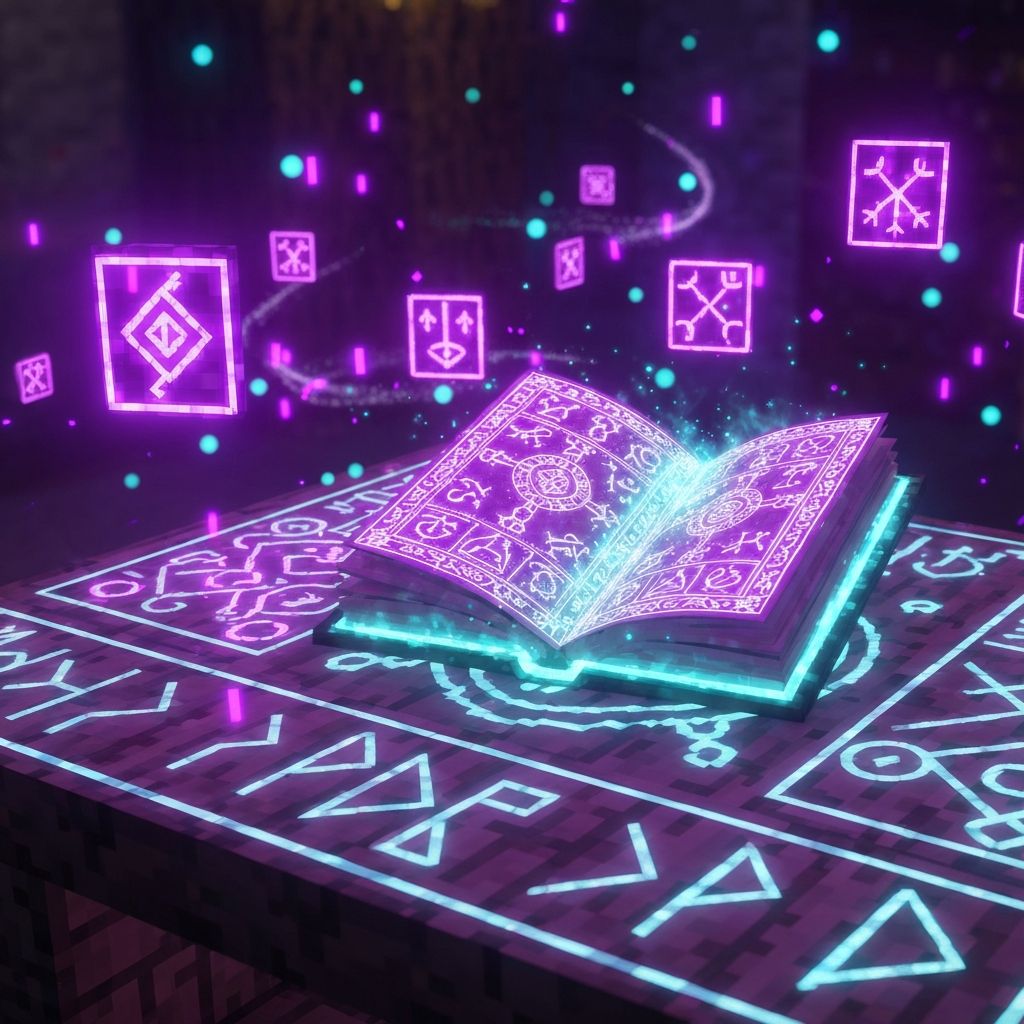
Custom Enchantments
Discover over 50 unique enchantments to power up your gear.
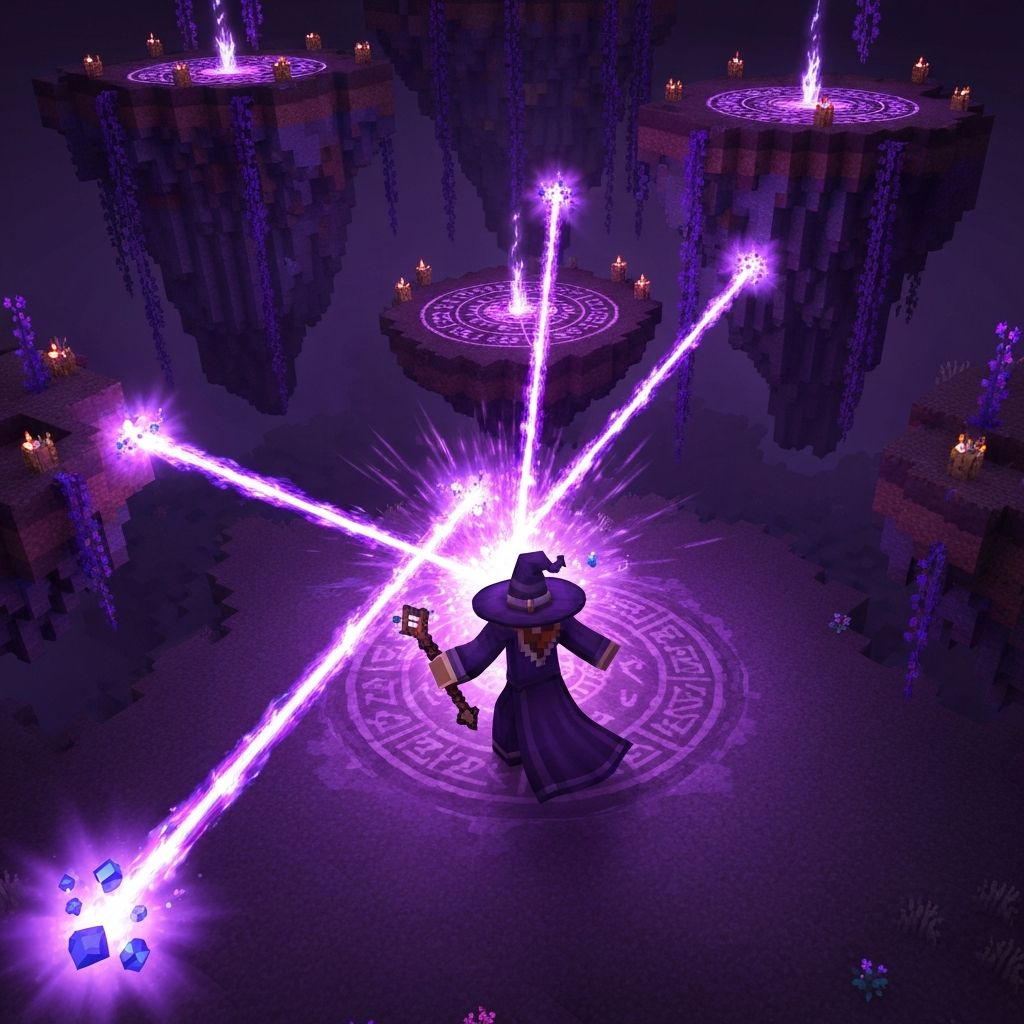
Magic System
Learn ancient spells and harness the power of the End.
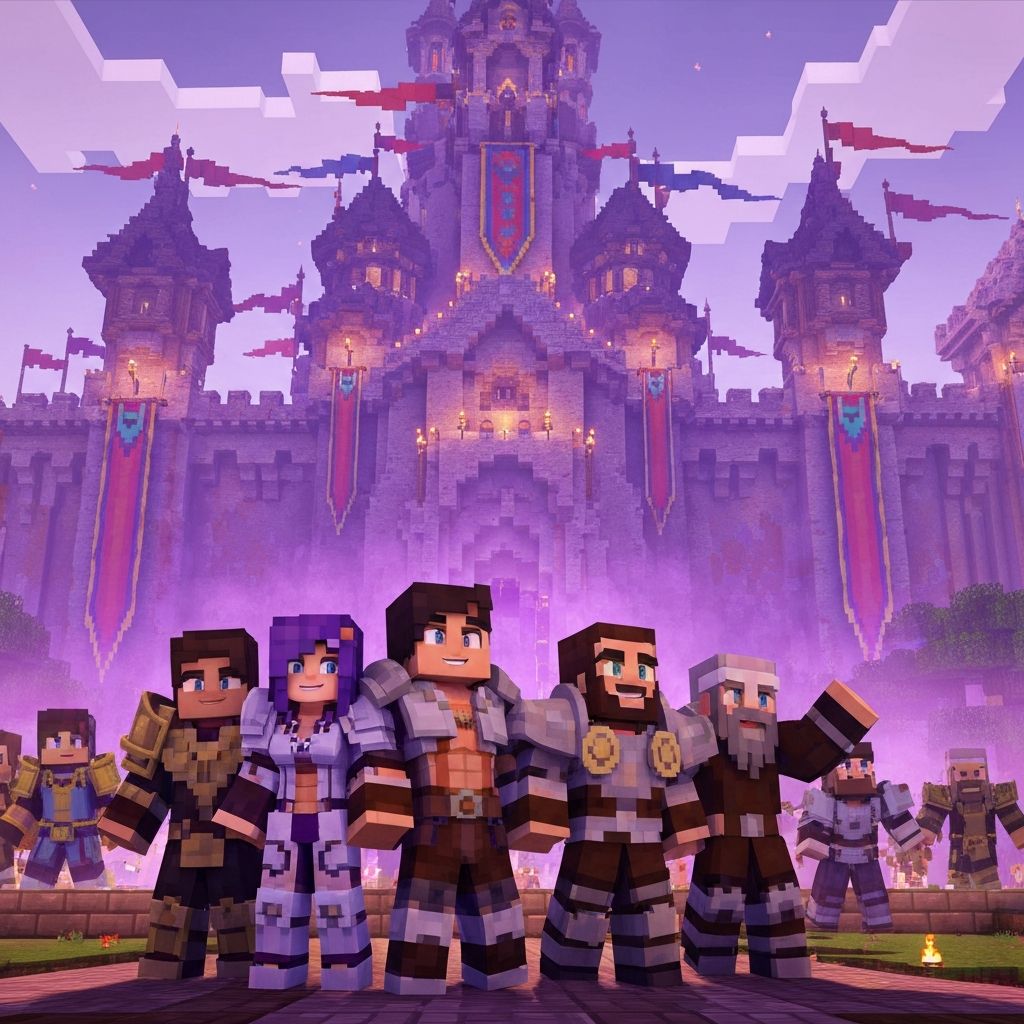
Multiplayer Ready
Fully optimized for servers with custom quests and events.